Employee On-Premise Content Collaboration Tool
04-Jan-2023
10:42 am
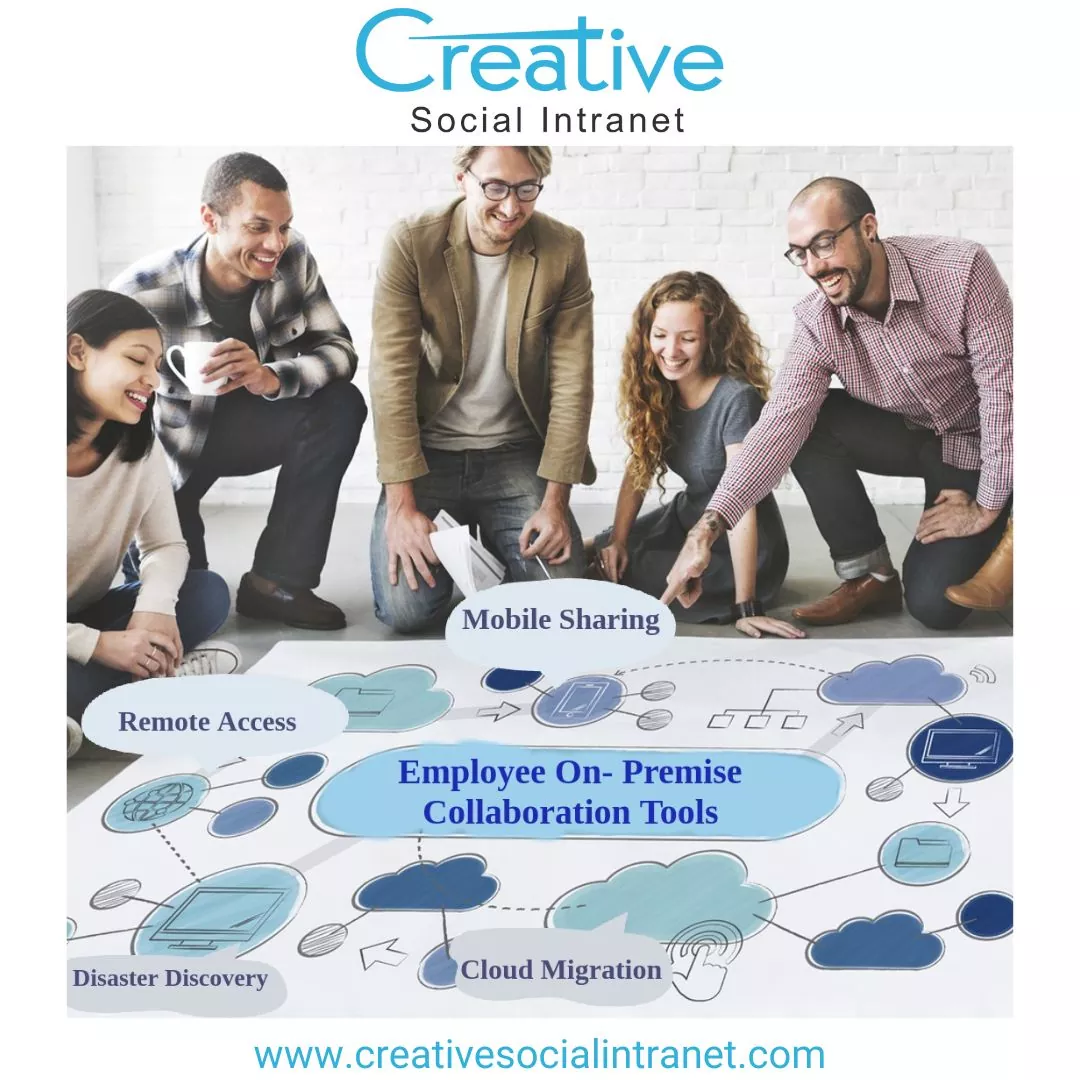

Do you have internal team members and outside vendors who must work together remotely simultaneously? Do internal staff members collaborate on local file servers, while external staff use external content collaboration software?
Creative Social Intranet outlines that content collaboration tools offer staff a convenient way to share information both within the company and externally. These tools also offer enhanced security and privacy options as they can be used to connect with customers, associates, and vendors. Examples of content collaboration tools include Google Drive, OneDrive for Business, Box, Dropbox Business, Creative Social Intranet, ShareFile, and SharePoint. Why then is there a separate market segment for on-site content collaboration?
Traditional file servers have not typically been incorporated into content collaboration tools. When people talk about content collaboration, a cloud-based system is generally assumed. Still, there are reasons internal personnel may wish to continue working with on-site file servers, such as application compatibility, large datasets, and compliance requirements. This means that moving to another online-oriented content collaboration platform created issues for individuals who must continue working with local file servers.
Nevertheless, it is possible to place a cloud layer in front of the on-site file servers and extend the file server’s capabilities with Creative Social Intranet-like ShareFile-like features. In this way, data storage continues on the local file server, and remote personnel can upload files and folders directly to the local file server via an internet interface.
To sum it up, on-premises content collaboration combines local file servers and mobile remote agent software with an upgraded web interface. This web interface and remote agent software enable both local and remote staff to work together on the local file server through a more modern, cloud-like interface.
On-premise content collaboration involves centralizing data on a file server, enabling remote and mobile access to files, and unifying data, mobile access, and file sharing into a single system.
Keeping all information in one place remains the ideal way to store data, and file servers remain the most compatible way to do so for applications.
Through mobile access, file servers can provide web-based access and the ability to securely share files via web links.
A single solution is available to meet the needs of both internal collaboration and file sharing with external associates, as well as the productivity needs of a mobile workforce.
There is no need to establish a VPN when using Web File Manager. This tool is accessed through an internet browser and all communication between the browser and server is encrypted with the HTTPS protocol, removing the need for the extra complexity of a VPN.
It is possible to upload, download, modify, and manage files and directories with just a web browser, and no additional installation is required. All that is needed is a web browser on the remote system.
By integrating the file server, the same content found on a mapped drive is available in a web browser without any extra instructions. The network shares and drive mapping details can be seen in the browser without any additional guidance.
An answer that incorporates an iPhone app, a web browser, a Windows mapped drive, and a Mac Finder volume to enterprise Windows file servers, transforming the Windows system into a business content collaboration platform.
ENGAGEMENT DRIVE PERFORMANCE